CaptureWeb vs Firecrawl
Firecrawl is a strong markdown and scraping API. CaptureWeb does that plus screenshots, HTML-to-PDF, accessibility audits, and link checking. One API key, no credit multipliers.
Start free, 100 renders/monthFirecrawl site| Feature | Firecrawl | CaptureWeb |
|---|---|---|
| Screenshots | ||
| HTML to PDF | ||
| URL to Markdown | ||
| Web scraping | ||
| Full-site crawl | ||
| Accessibility audit | ||
| Broken link checker | ||
| One API key | ||
| Free tier | 1,000 credits/mo | 100 renders/mo |
| Credits roll overUp to 2× monthly cap | ||
| Stealth mode cost | 5× credit multiplier | Flat, no multipliers |
| Self-hostableCaptureWeb is hosted-only |
What Firecrawl does well
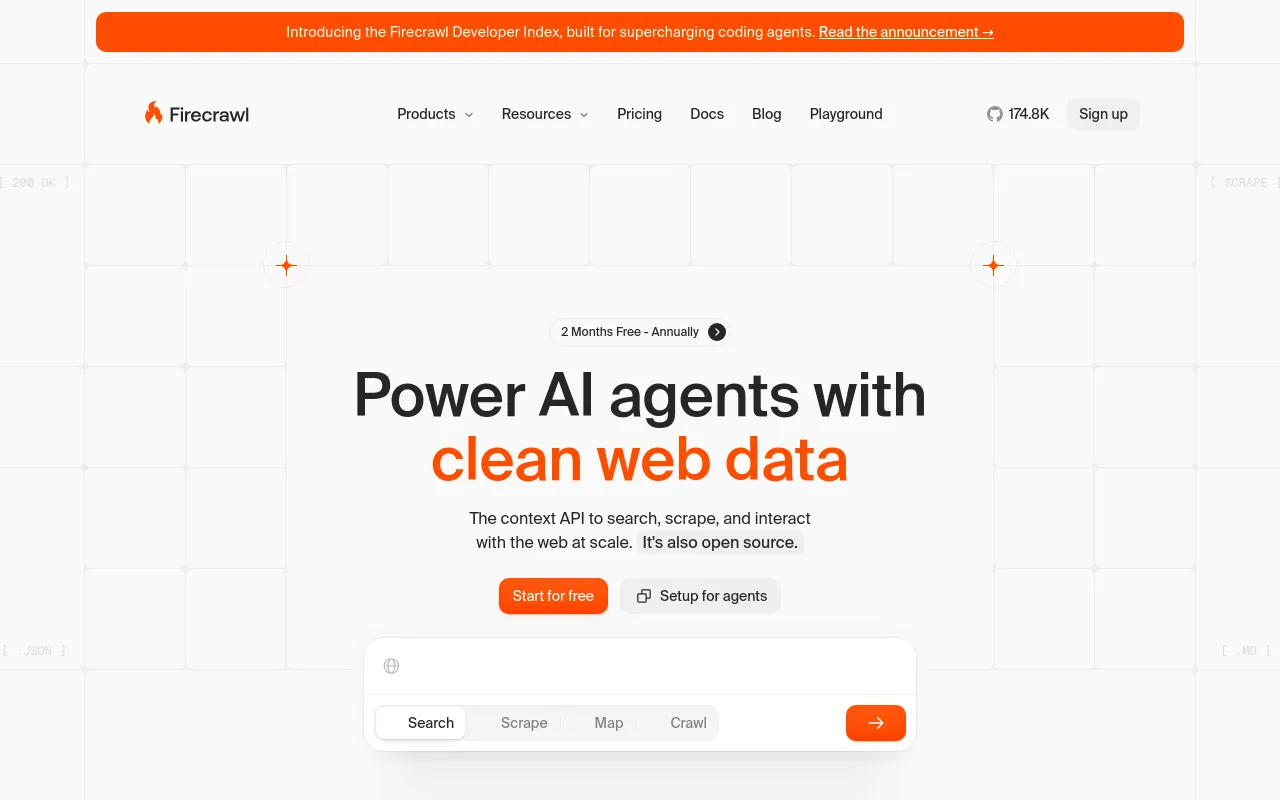
Firecrawl built a clean developer experience for turning URLs into markdown. The /v1/crawl endpoint handles multi-page crawls with configurable depth. The JSON extraction mode, which uses an LLM to pull structured data from unstructured pages, works well for AI pipelines.
If your only job is getting clean text from web pages for a RAG pipeline, Firecrawl is a reasonable choice. The free tier (1,000 credits/month) is enough to prototype.
Where Firecrawl falls short
Firecrawl has no endpoint to render a page to PNG, JPEG, or WebP. If you need screenshots alongside markdown (archiving, OG image generation, visual regression testing, reports), you are paying a second vendor.
Firecrawl can parse an existing PDF but cannot render HTML to PDF. Invoice generation, compliance snapshots, and export workflows all need that, which pushes teams to a second vendor.
Credits do not roll over. A light month means wasted spend. CaptureWeb carries unused credits forward up to 2x your monthly cap.
Pricing comparison
API comparison: same task, two approaches
Firecrawl requires separate API calls for each output format. CaptureWeb's /v1/snapshotreturns screenshot, markdown, PDF, and raw HTML in one request.
 cURL
cURL# Firecrawl (markdown only)
curl -X POST https://api.firecrawl.dev/v1/scrape \
-H "Authorization: Bearer $FIRECRAWL_KEY" \
-d '{"url":"https://example.com","formats":["markdown"]}'
# CaptureWeb (screenshot + markdown + PDF, one call)
curl -X POST https://api.captureweb.dev/v1/snapshot \
-H "Authorization: Bearer $CW_KEY" \
-d '{"url":"https://example.com"}'
# Returns: { screenshot, markdown, pdf, html } (costs 2 credits) JavaScript
// Firecrawl (markdown only)
const fc = await fetch('https://api.firecrawl.dev/v1/scrape', {
method: 'POST',
headers: { Authorization: `Bearer ${process.env.FIRECRAWL_KEY}` },
body: JSON.stringify({ url, formats: ['markdown'] }),
})
// CaptureWeb (screenshot + markdown + PDF, one call)
const cw = await fetch('https://api.captureweb.dev/v1/snapshot', {
method: 'POST',
headers: { Authorization: `Bearer ${process.env.CW_KEY}` },
body: JSON.stringify({ url }),
})
// Returns: { screenshot, markdown, pdf, html } (costs 2 credits) Python
import httpx, os
# Firecrawl (markdown only)
fc = httpx.post(
"https://api.firecrawl.dev/v1/scrape",
headers={"Authorization": f"Bearer {os.environ['FIRECRAWL_KEY']}"},
json={"url": url, "formats": ["markdown"]},
)
# CaptureWeb (screenshot + markdown + PDF, one call)
cw = httpx.post(
"https://api.captureweb.dev/v1/snapshot",
headers={"Authorization": f"Bearer {os.environ['CW_KEY']}"},
json={"url": url},
)
# Returns: screenshot, markdown, pdf, html (costs 2 credits)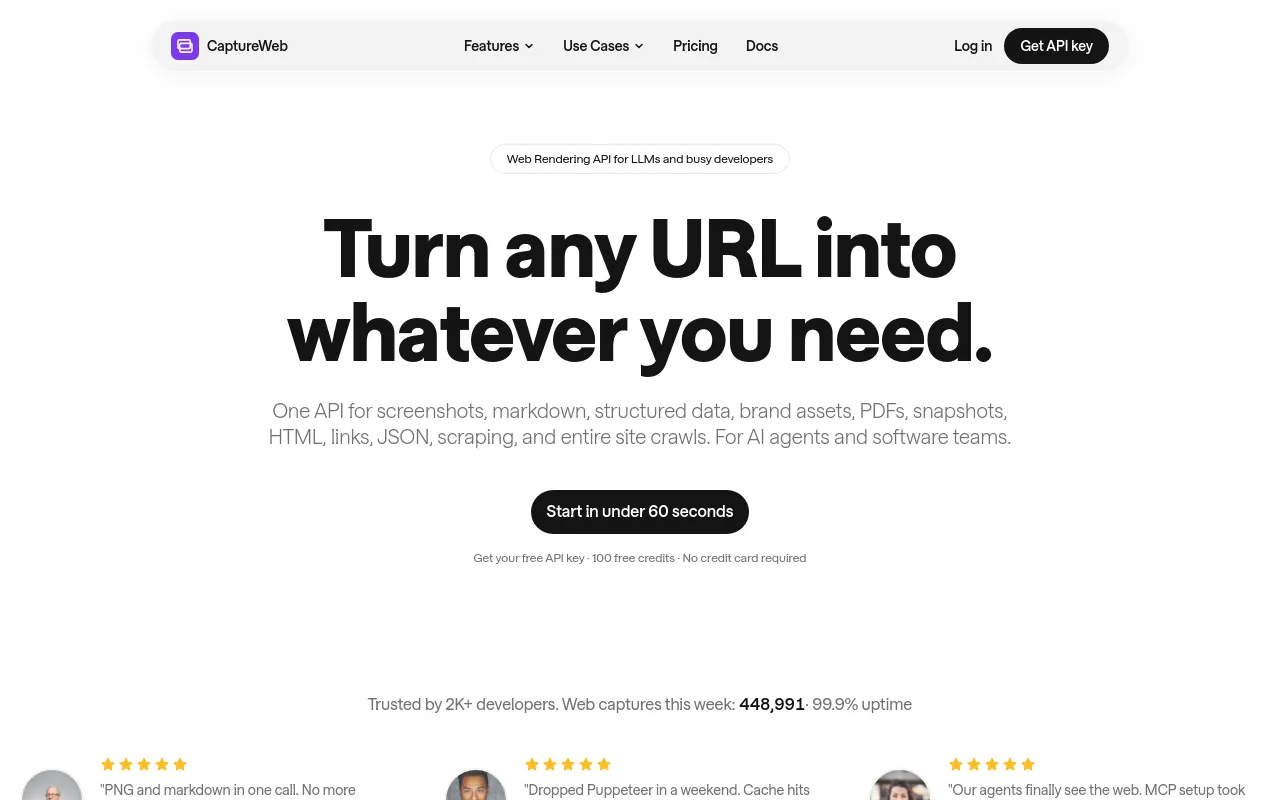
Migrating from Firecrawl to CaptureWeb
The scraping and markdown endpoints follow the same REST pattern. Swap the base URL and API key. Most teams are done in under an hour.
Swap the base URL and key
Replace api.firecrawl.dev with api.captureweb.dev and swap FIRECRAWL_KEY for CW_KEY. Response shape is compatible for /v1/scrape and /v1/crawl.
Add screenshots and PDFs
Same auth header, two new endpoints unavailable in Firecrawl.
New endpoints# Screenshot
curl -X POST https://api.captureweb.dev/v1/screenshot \
-H "Authorization: Bearer $CW_KEY" \
-d '{"url":"https://example.com","format":"webp"}' -o shot.webp
# PDF
curl -X POST https://api.captureweb.dev/v1/pdf \
-H "Authorization: Bearer $CW_KEY" \
-d '{"url":"https://example.com"}' -o page.pdfYou are live
Scrape and crawl responses have the same shape. Screenshot and PDF are new endpoints with no Firecrawl equivalent.



Paste the prompt into your agent
The agent reads agents.md, gets your API key, and replaces Firecrawl calls with CaptureWeb equivalents.
Review and run
The agent will diff the changes. Approve and your first CaptureWeb request runs from the updated code.
Why teams switch from Firecrawl
We were using Firecrawl for markdown and a separate tool for screenshots. Switching to CaptureWeb cut our vendor count in half and the pricing is flat with no surprises at month end.
The snapshot endpoint is the one thing I kept wishing Firecrawl had. One call returns everything: screenshot, markdown, HTML. Our pipeline went from three API calls to one.
Built for more than markdown
Screenshot any URL
PNG, JPEG, or WebP. Full page or viewport. Device scale factor and dark mode supported.
HTML to PDF
Render any URL to PDF with a single POST. No headless Chrome to manage, no timeouts to babysit.
Accessibility audit
WCAG 2.1 compliance check on any URL. Returns violations with impact level and element selectors.
Broken link checker
Crawl a page and return every broken internal and external link with status codes.
Which should you use?
- You only need markdown and scraping, no screenshots or PDFs
- You want a self-hosted option (Firecrawl has an open-source version)
- Your team is already integrated and the switch cost is not worth it
- You need screenshots, PDFs, or accessibility audits alongside scraping
- You want predictable pricing with no per-mode credit multipliers
- You need credits to roll over between billing periods
- You are consolidating multiple scraping vendors onto one API key
Frequently asked questions
Does CaptureWeb support JavaScript rendering like Firecrawl?
Yes. CaptureWeb uses a full Chromium browser for every request, so JavaScript-rendered pages work by default. No extra flag or credit multiplier required.
Can Firecrawl take screenshots?
No. Firecrawl is a markdown and scraping API. It does not produce screenshots or render pages to image or PDF. You need a separate service for that.
How does Firecrawl pricing compare to CaptureWeb?
Firecrawl charges 1 credit per page base, plus 4 credits for JSON extraction and 5x for stealth mode. CaptureWeb charges flat per-render with no multipliers. At 10,000 requests per month, Firecrawl Hobby costs $99; the equivalent CaptureWeb plan costs $29.
Does Firecrawl credits roll over?
No. Unused Firecrawl credits expire at the end of the billing period. CaptureWeb credits carry over up to 2x your monthly allowance.
How long does it take to switch from Firecrawl to CaptureWeb?
The markdown and scraping endpoints follow the same REST pattern. Most teams swap the base URL and API key header in under an hour. The snapshot endpoint (/v1/snapshot) is a CaptureWeb addition with no Firecrawl equivalent.
Try CaptureWeb free
100 renders/month. No credit card. Screenshot, scrape, PDF, markdown in one key.
Get started freeUpgrade anytime. Cancel anytime.